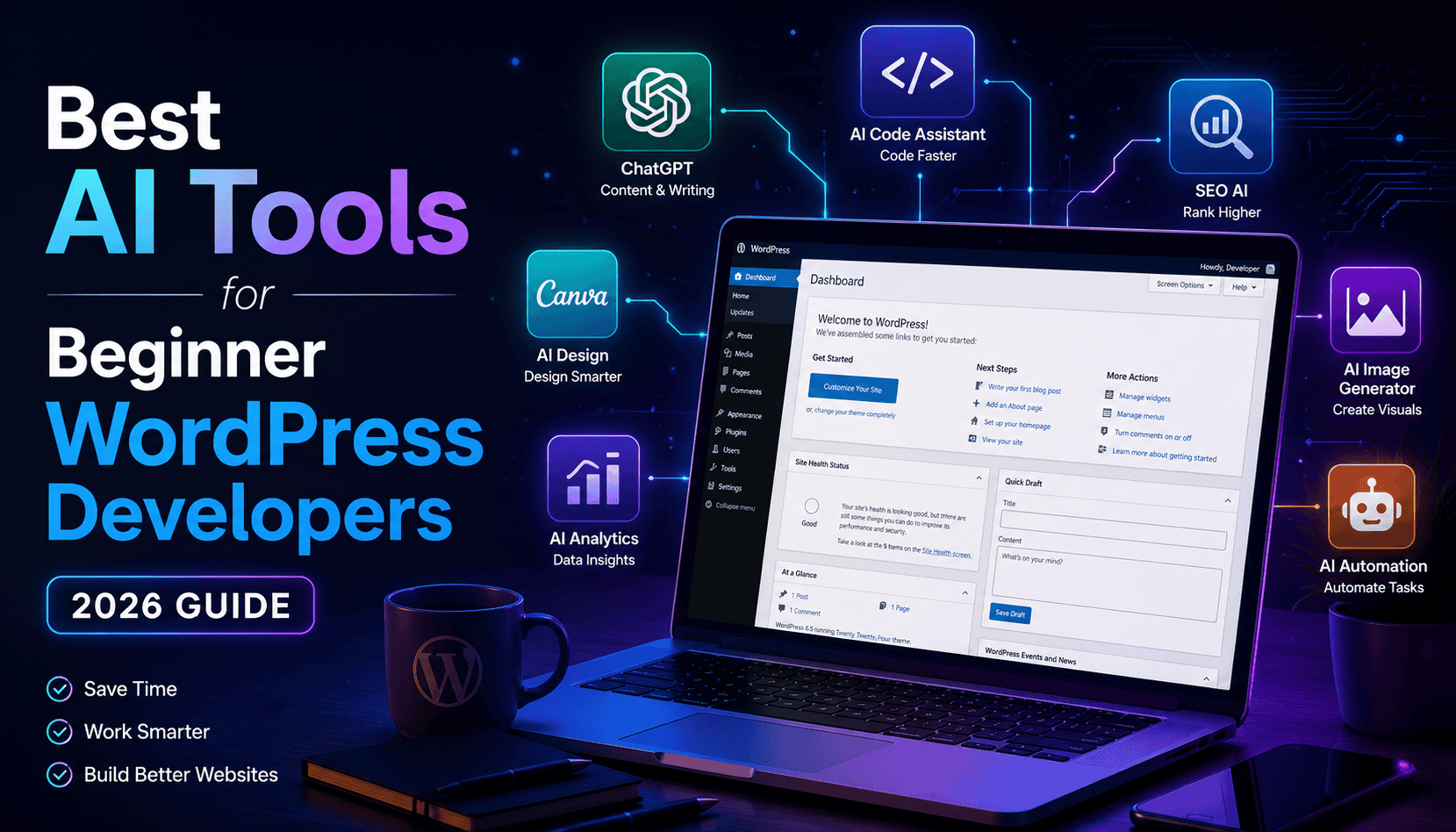
Artificial Intelligence (AI) has completely changed the way WordPress websites are built. Today, beginner WordPress developers don’t need to spend hours writing content, designing layouts, optimizing images, or fixing code manually. With the right AI tools, you can build professional websites faster, improve your workflow, and impress clients—even if you’re just starting your WordPress journey.
In this guide, we’ll explore the best AI tools every beginner WordPress developer should use in 2026.
Why Should WordPress Developers Use AI?
AI isn’t here to replace developers—it’s here to make them more productive.
Benefits include:
- Save hours of manual work
- Generate website content quickly
- Write and debug code faster
- Create professional images
- Improve SEO
- Speed up website design
- Automate repetitive tasks
- Deliver projects faster
1. ChatGPT
Best For: Content writing, coding help, debugging, and learning WordPress.
ChatGPT is one of the most powerful AI assistants available today. It can help beginner developers understand WordPress concepts, generate PHP, HTML, CSS, JavaScript, and even explain errors in simple language.
Features
- Generate website content
- Create blog posts
- Write CSS and JavaScript
- Fix WordPress errors
- Explain plugins
- Create WooCommerce product descriptions
- Generate SEO titles and meta descriptions
Example
Instead of searching for hours:
“How do I create a responsive hero section in WordPress?”
Simply ask ChatGPT and get step-by-step guidance.
2. Elementor AI
Best For: Building WordPress pages faster.
If you’re using Elementor, its AI features help generate headings, paragraphs, buttons, and even custom CSS directly inside the page builder.
Features
- AI content generation
- AI image suggestions
- AI CSS generation
- Faster page design
- Built directly into Elementor
Perfect for beginners who want professional-looking websites without spending hours writing content.
3. Canva AI
Best For: Graphics and website visuals.
Every website needs banners, thumbnails, icons, and social media graphics.
Canva AI makes designing incredibly easy.
Features
- AI image generation
- Magic Design
- Background remover
- Social media graphics
- Website banners
- Logo creation
No graphic design experience is required.
4. Grammarly
Best For: Writing error-free content.
Whether you’re writing blog posts, landing pages, or client emails, Grammarly helps improve grammar, spelling, punctuation, and readability.
Benefits
- Grammar correction
- Better sentence structure
- Professional writing
- Tone suggestions
Your website instantly looks more trustworthy with polished content.
5. Rank Math AI
Best For: WordPress SEO.
SEO can be confusing for beginners.
Rank Math AI simplifies the entire optimization process.
Features
- AI SEO suggestions
- Meta title generation
- Meta description writing
- Keyword optimization
- Content scoring
- Internal linking suggestions
This helps your blog rank better on search engines.
6. Midjourney (or Similar AI Image Generators)
Best For: Creating unique website images.
Instead of downloading stock photos, AI can generate custom visuals for your website.
Use it for:
- Hero images
- Blog banners
- Product mockups
- Portfolio graphics
- Landing page illustrations
Unique visuals help your website stand out.
7. GitHub Copilot
Best For: Writing code faster.
If you’re learning custom WordPress development, GitHub Copilot acts like an AI coding assistant.
It can suggest:
- PHP functions
- CSS styles
- JavaScript code
- WordPress hooks
- Plugin code
- Theme templates
It speeds up development while helping you learn.
8. Claude
Best For: Long-form writing and documentation.
Claude is excellent for:
- Project documentation
- Client reports
- Long blog posts
- Website planning
- Code explanations
Many developers use it alongside ChatGPT for different writing tasks.
9. Perplexity AI
Best For: Research.
Need accurate information about:
- WordPress plugins
- Hosting
- Security
- SEO
- WooCommerce
Perplexity gathers information from multiple sources and provides well-organized answers with references, making research much faster.
10. Leonardo AI
Best For: Professional website graphics.
Leonardo AI creates high-quality images for:
- Landing pages
- E-commerce stores
- Hero sections
- Product showcases
- Digital illustrations
It gives your website a premium appearance without hiring a designer.
Recommended AI Toolkit for Beginners
If you’re just starting, you don’t need every AI tool available. A simple toolkit can cover most of your daily work:
- ChatGPT – Content, coding, and troubleshooting
- Canva AI – Graphics and social media visuals
- Grammarly – Error-free writing
- Rank Math AI – SEO optimization
- GitHub Copilot – Coding assistance
This combination is more than enough to build modern WordPress websites efficiently.
Tips for Using AI Effectively
AI is a powerful assistant, but it’s important to use it wisely:
- Always review AI-generated content before publishing.
- Test AI-generated code in a safe environment.
- Add your own creativity and personal touch.
- Optimize images for website speed.
- Keep plugins and themes updated.
- Continue learning WordPress fundamentals alongside AI tools.
Remember, AI enhances your skills—it doesn’t replace your understanding of WordPress.
Final Thoughts
AI has become an essential part of modern WordPress development. For beginners, it reduces the learning curve, speeds up workflows, and makes it easier to create professional websites.
Start with a few reliable tools, practice consistently, and gradually expand your toolkit as your skills grow. By combining WordPress knowledge with AI assistance, you’ll be able to build better websites, serve clients more efficiently, and stay competitive in the evolving web development industry.
Which AI tool has helped you the most in your WordPress journey? Share your experience in the comments below!